Shape Export Import
less than a minute
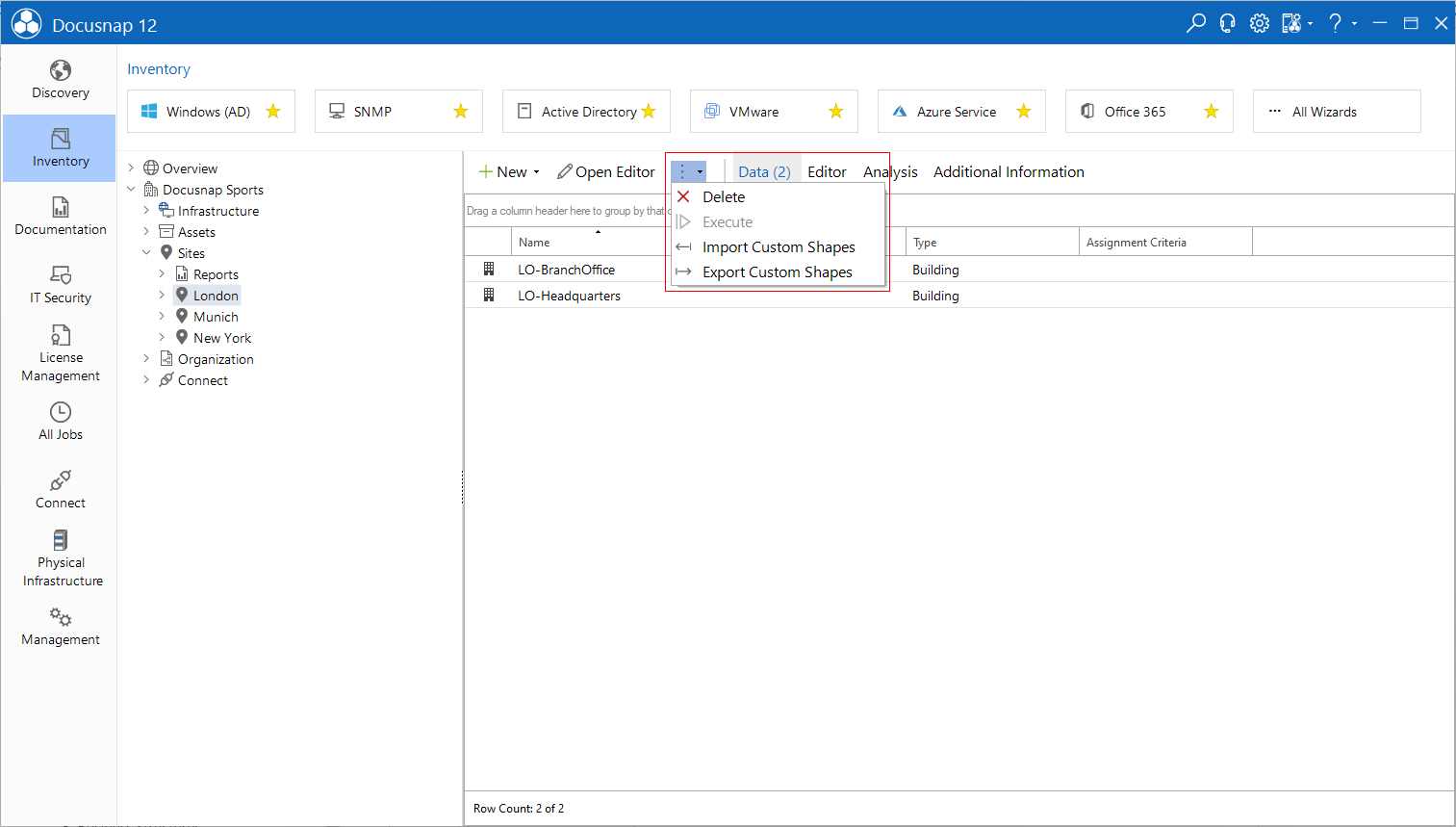
User created shapes can be exported or imported. This makes it possible to transfer shapes to other databases. To open the export/import wizard, select a site or any physics element in the Docusnap tree structure. Then the desired dialog can be selected via the  button. When importing, Docusnap checks if a shape with the same name already exists. Only shapes that do not already exist will be imported.