Contracts and Comments
less than a minute
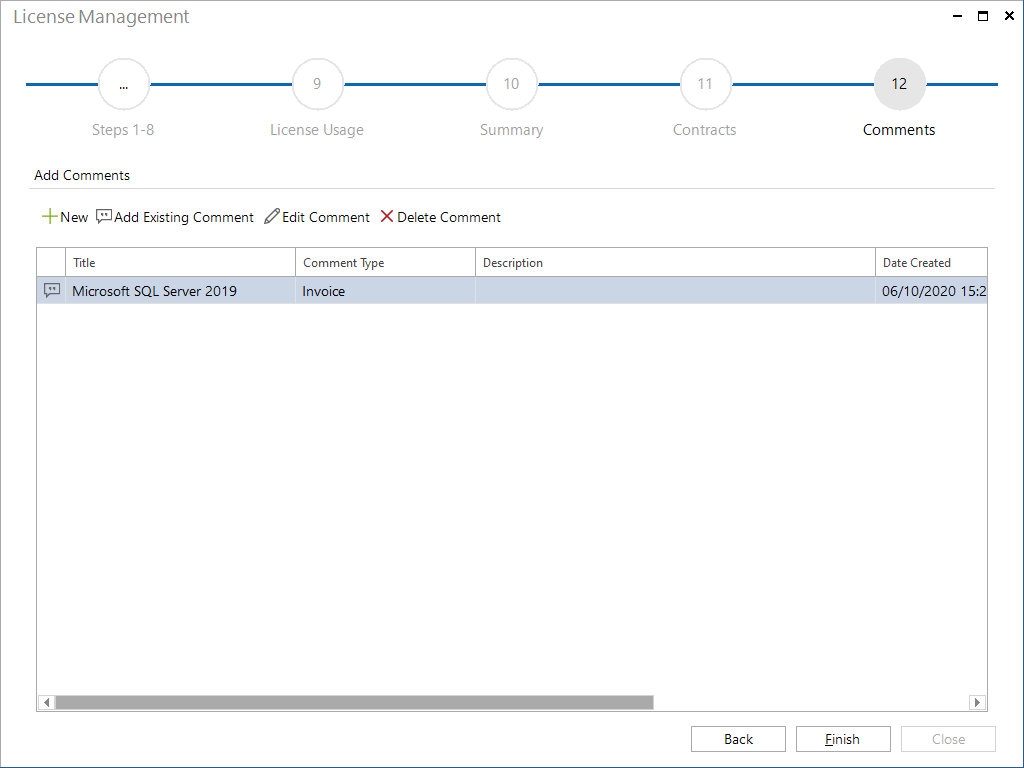
For a created licensing the additional information contracts and comments can be added through the wizard.
Contracts are assigned to the created licenses. If comments are created, they are assigned to the software product.
Click the New button to open the dialog for creating the additional Information. After the contract or the comment has been saved, you can switch to the Attachments tab to attach documents. Subsequently, the dialog is closed by clicking the Close button.
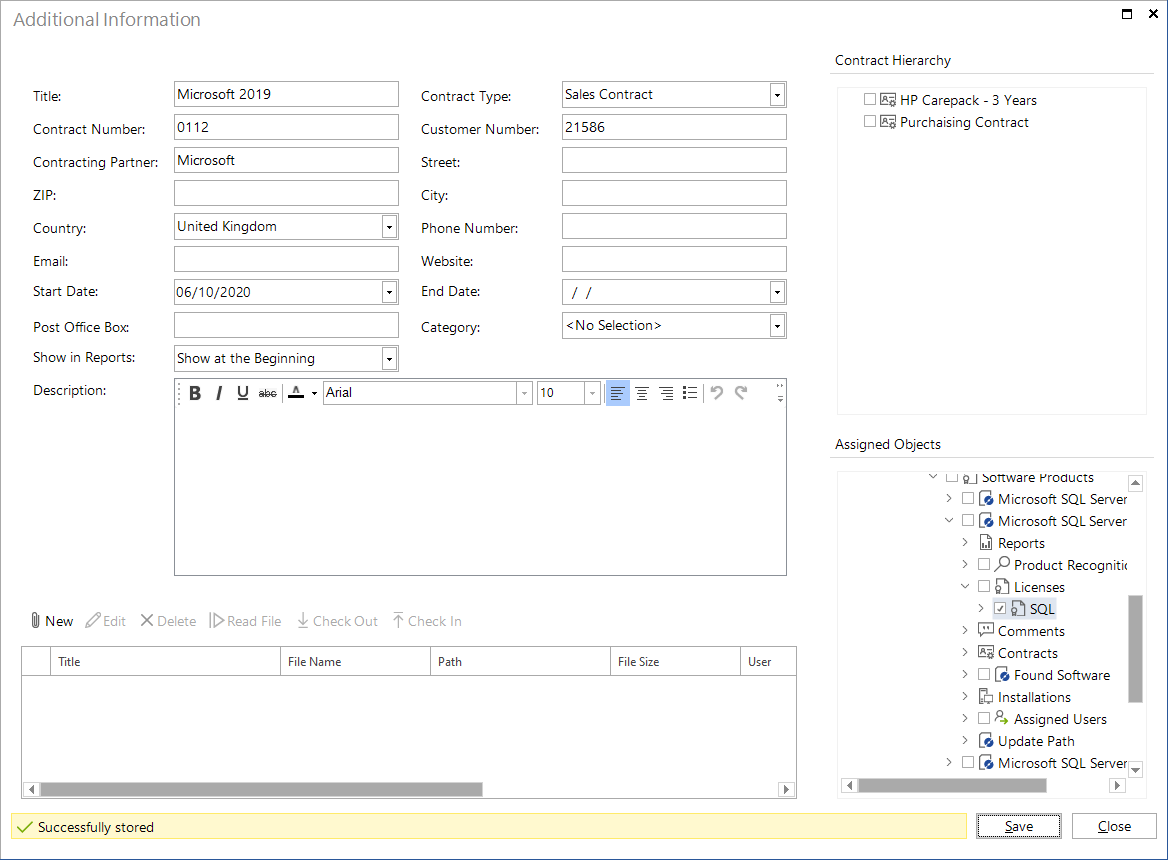
To edit an existing contract or comment, select the contract or comment and click on the Edit Contract or Edit Comment button to open the dialog for editing.
The created contracts and comments are displayed in the Additional Information tab of the respective licensing in the tree view and can be edited. In addition, the contracts and comments are displayed in the tree under the respective heading.
By clicking on the Finish button the License Management wizard closes.