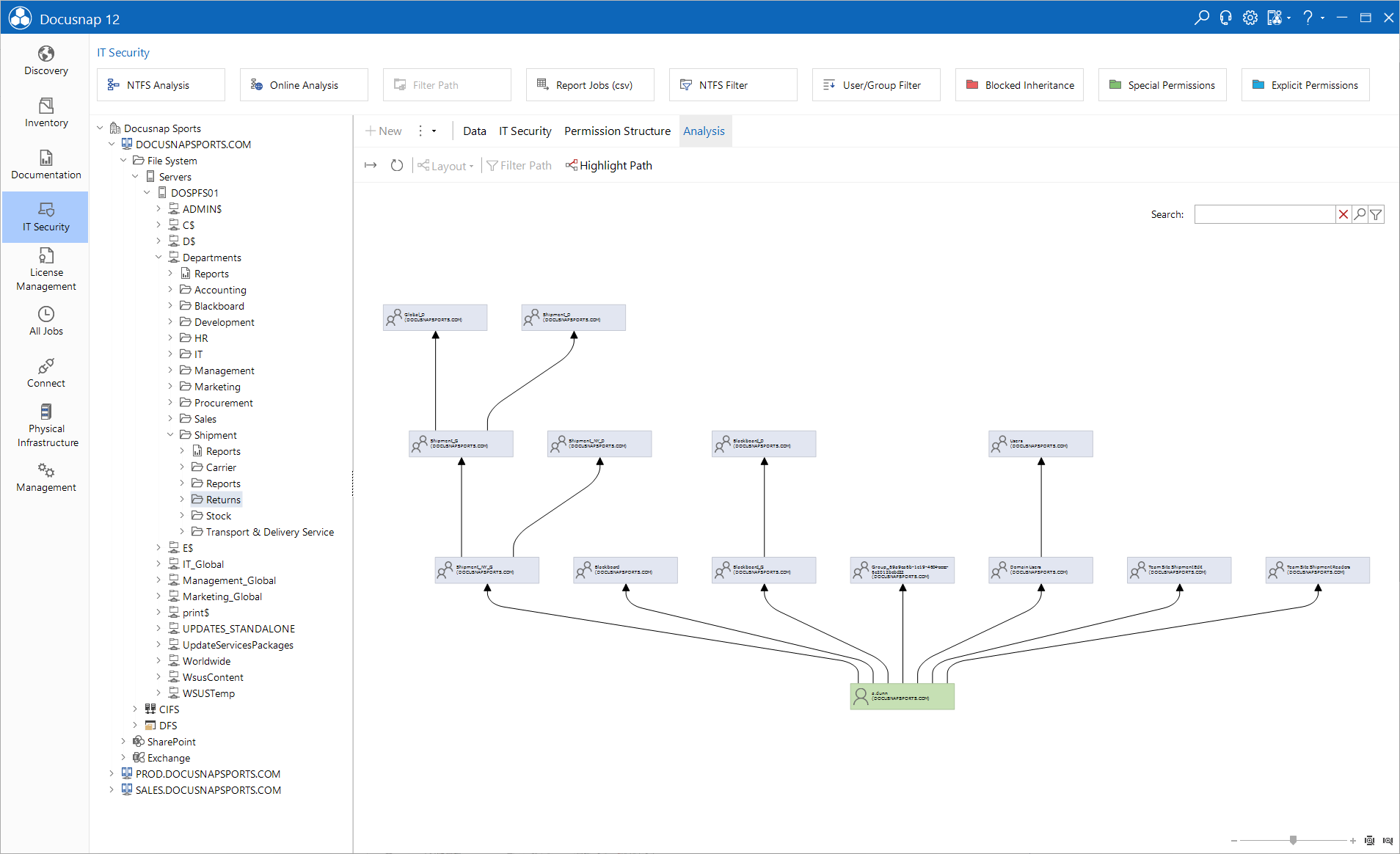
Analysis Diagram
less than a minute
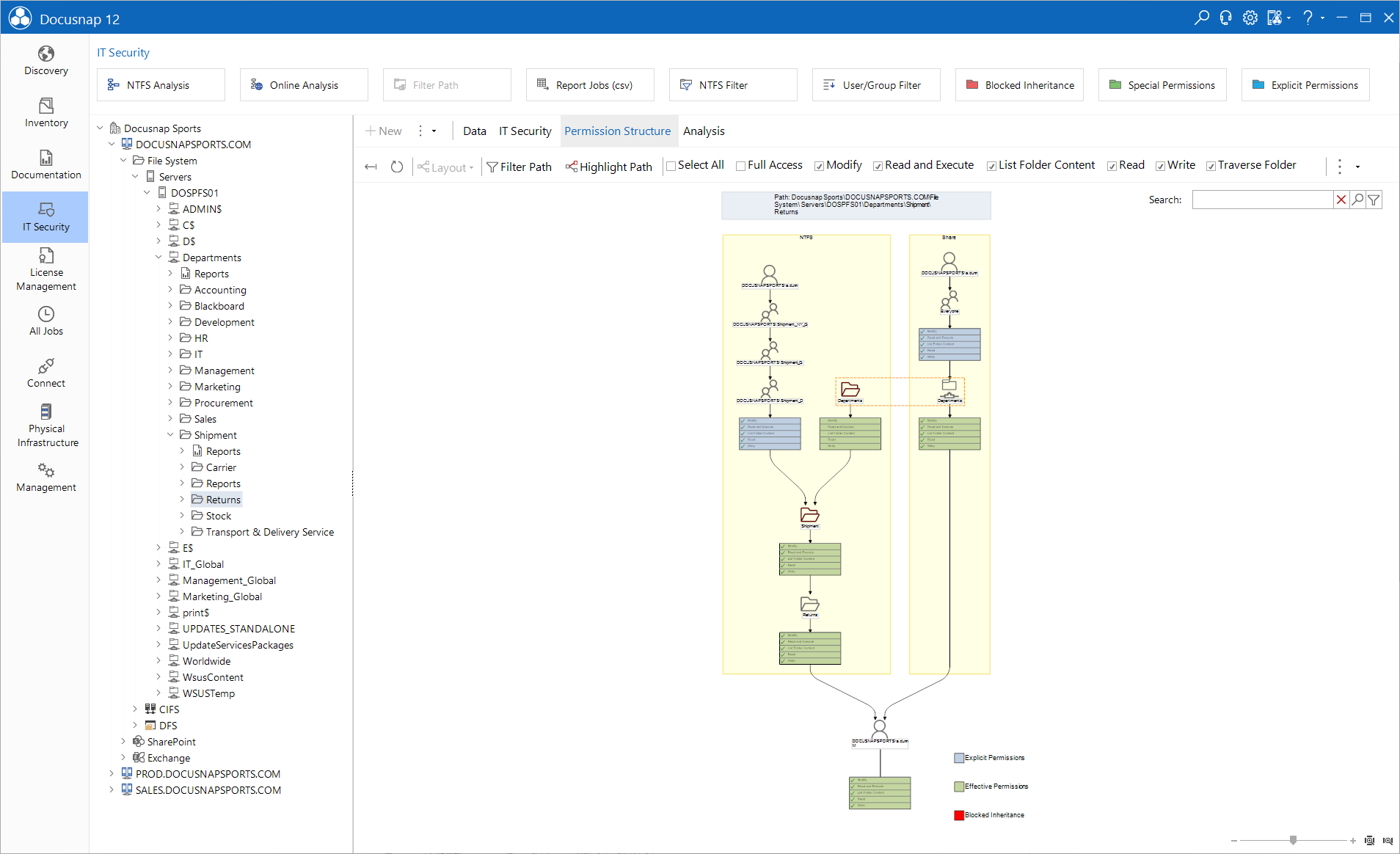
The IT Security tab displays the effective permissions for the selected user or group. Effective permissions consist of various permissions, such as NTFS and share permissions, explicit permissions and inherited permissions. In the diagram, you can see how a user or group obtained a certain permission.
Click the Permission Origin button to open an additional tab where the origin of the permission of the selected user or group is displayed.
The Analysis tab shows which groups the selected user belongs to or which users are members of the selected group. Click the User/Group Structure button to open the Analysis tab for the selected group or user.