Using IT Correlation
less than a minute
Every IT Correlation has a start object. For this object all the correlating objects are displayed. If for the selected object an IT Correlation is defined, the corresponding objects are displayed in the Analysis tab. Additional to the directly dependent objects further IT Correlations can be shown.
Use the context menu of the object or the action bar to resolve IT Correlations or groups of the object. Additionally, hierarchical ancestors and descendants of the objects can be added. Via the Level buttons you can determine how many levels of IT Correlations should be displayed. This drill-down functionality simplifies the analysis, since you can work through layer by layer.
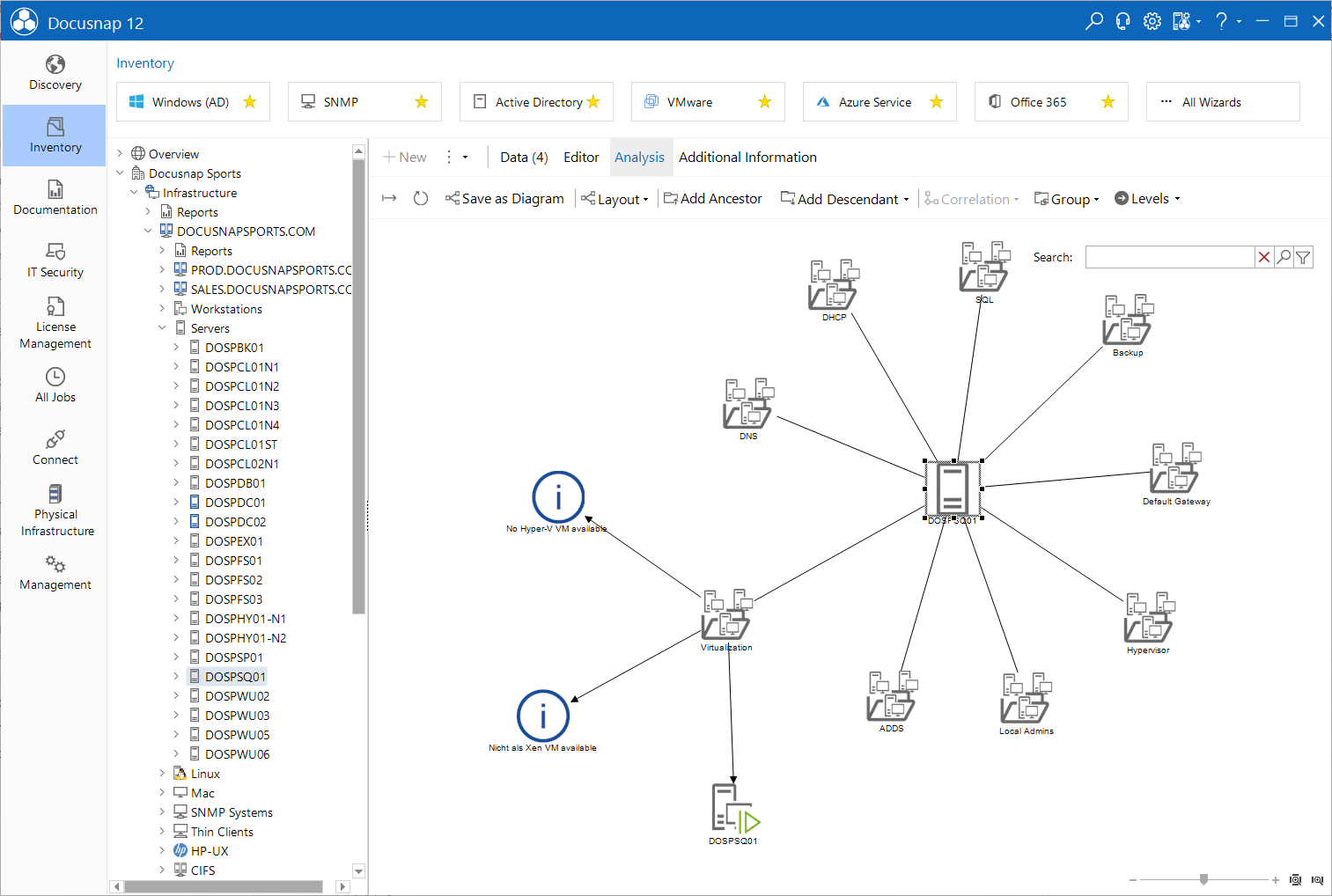
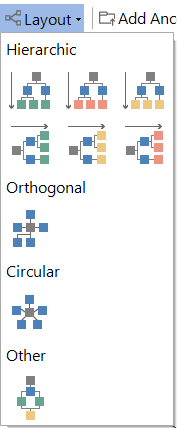
Depending on the selected algorithm the arrangement of the objects changes accordingly.
Click the  button to export the IT Correlations and the added relations into a file.