Import Scripts
less than a minute
Using the wizard for importing script files, you can import files that have been created by executing the DocusnapScript.exe or DocusnapExchange.exe.
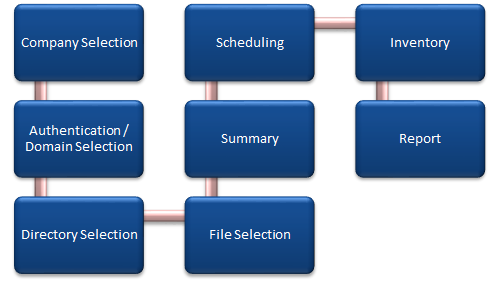
The Script Import Wizard is opened with the Script Import button. The Directory Selection step will be displayed after you have selected a company and a domain (see: Basic Steps).
When DocusnapExchange.exe is executed, the data of the respective Exchange server is scanned. Before importing the file, at least one Exchange inventory must exist. During the import the data of the server is assigned to the current Exchange inventory.
To import the files, two steps are necessary in the Import Data wizard:
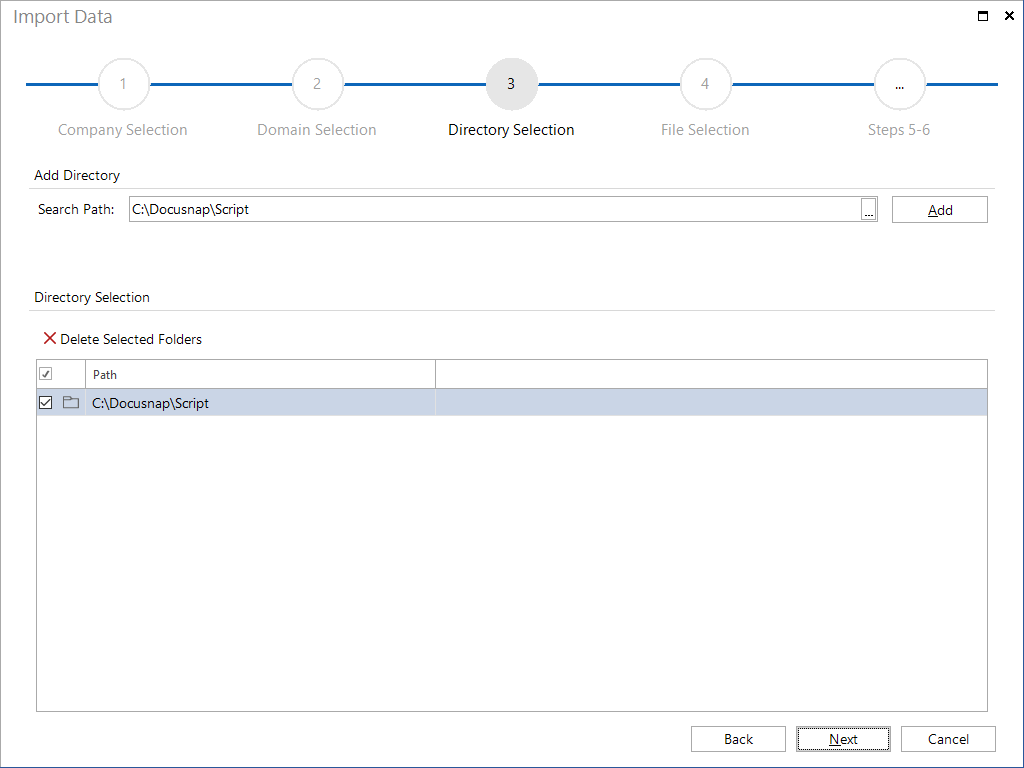
- In the Directory Selection step, define the location for storing the files.
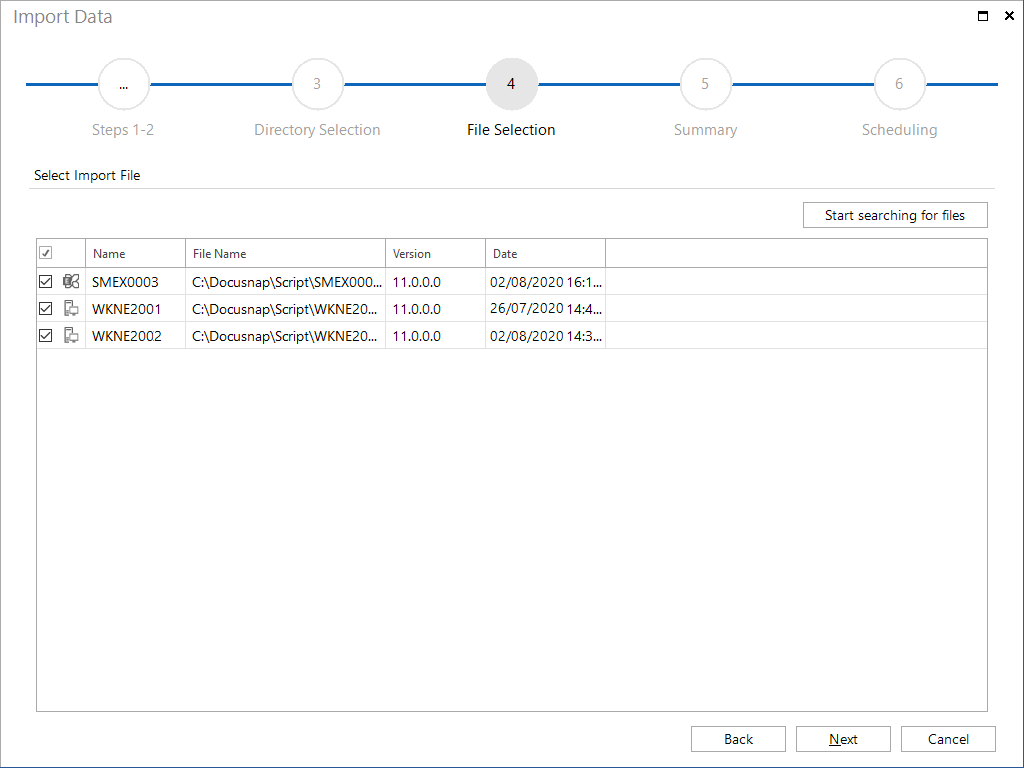
In the File Selection step, select the files to be imported.