Active Directory
less than a minute
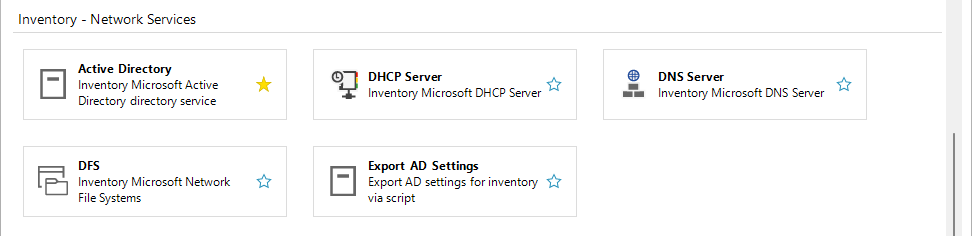
The ADDS inventory can alternatively be executed on the target system (domain controller). Ensure that the program has sufficient permissions. The Export AD Settings wizard is provided for convenient transfer of the inventory parameters.
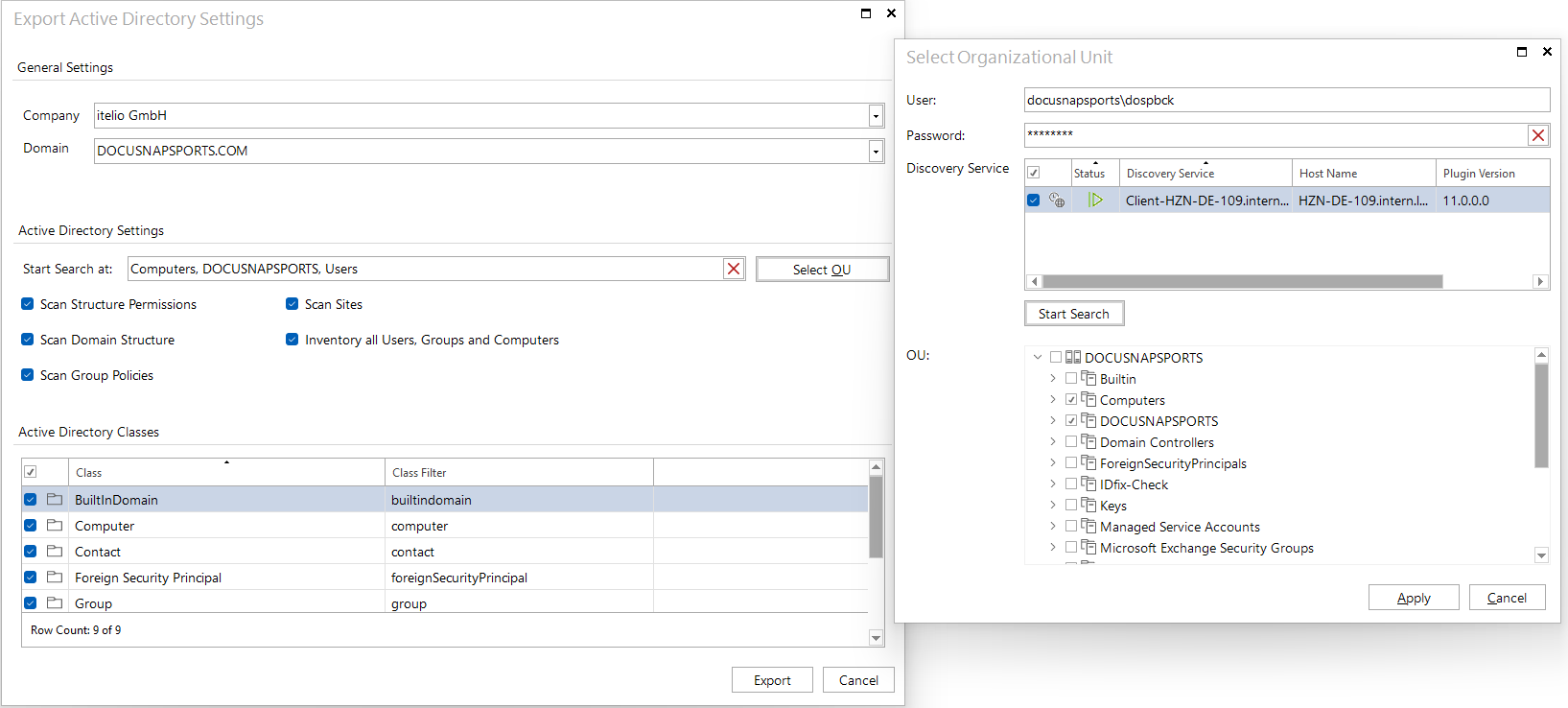
This wizard, based on the already familiar wizard, is used to select the scan scope, scan options, OU filters, etc. and exports them to a zip file.
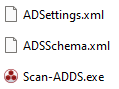
This zip file contains the configuration file (ADSettings.xml), the schema (ADSSchema.xml) and the .exe file for execution on the target system (Scan-ADDS.exe).
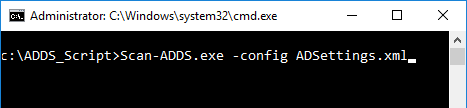
The settings file must be specified with the -config parameter. If no configuration is specified, default values are used. The output directory of the JSON result files can be defined with the -o parameter.
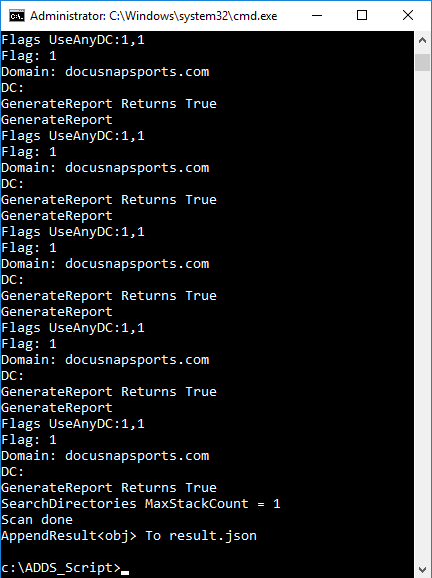
After Scan done confirmation, the results are available in JSON format. The number of result files depends on the selected scan options.
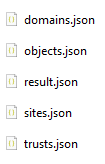
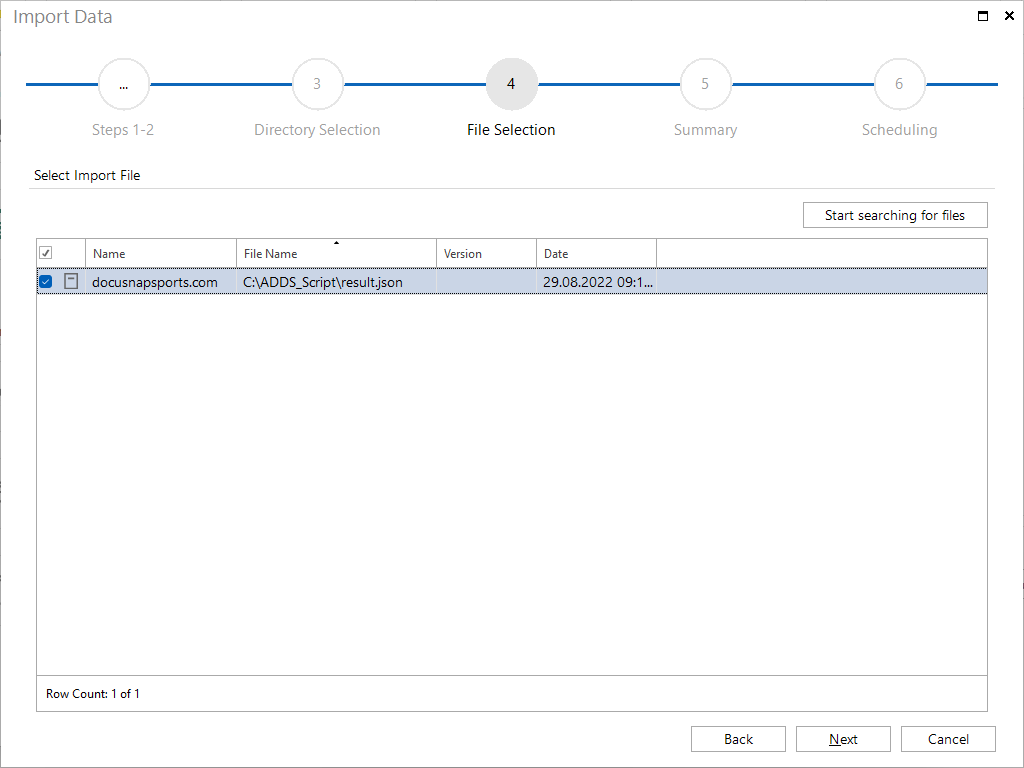
The JSON files can be imported into Docusnap in a script import. For the import, the file result.json needs to be selected.