HP-UX
less than a minute
To start the wizard for inventorying HP-UX servers, click the HP-UX button. After you have selected a company and a domain (see: Basic Steps) the HP-UX step is displayed.
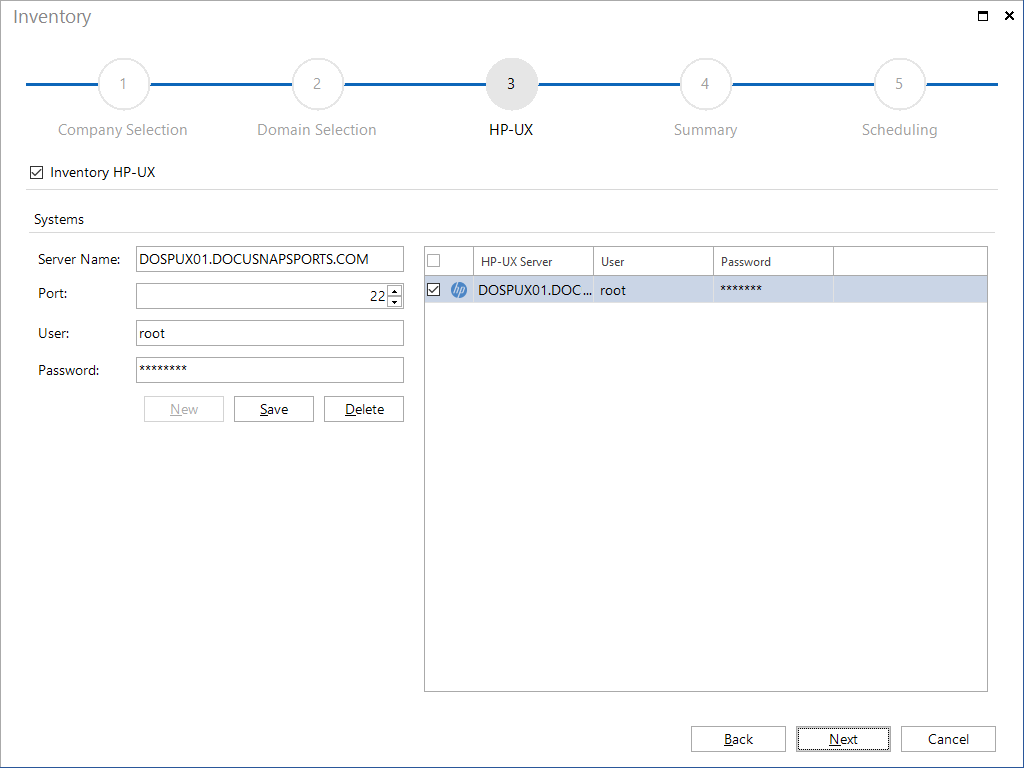
Click the New button to enter the name or IP address of the HP-UX server. For inventory, a user with a password must be specified that has access to the HP-UX server. The Save button saves the server and checks the connection. Once an HP-UX server has been saved, the Next button is activated and the inventory process can be started.