DHCP Server
less than a minute
To start the wizard for inventorying your DHCP servers, click the DHCP button. The DHCP Server step will be displayed after you have selected a company and entered your credentials.
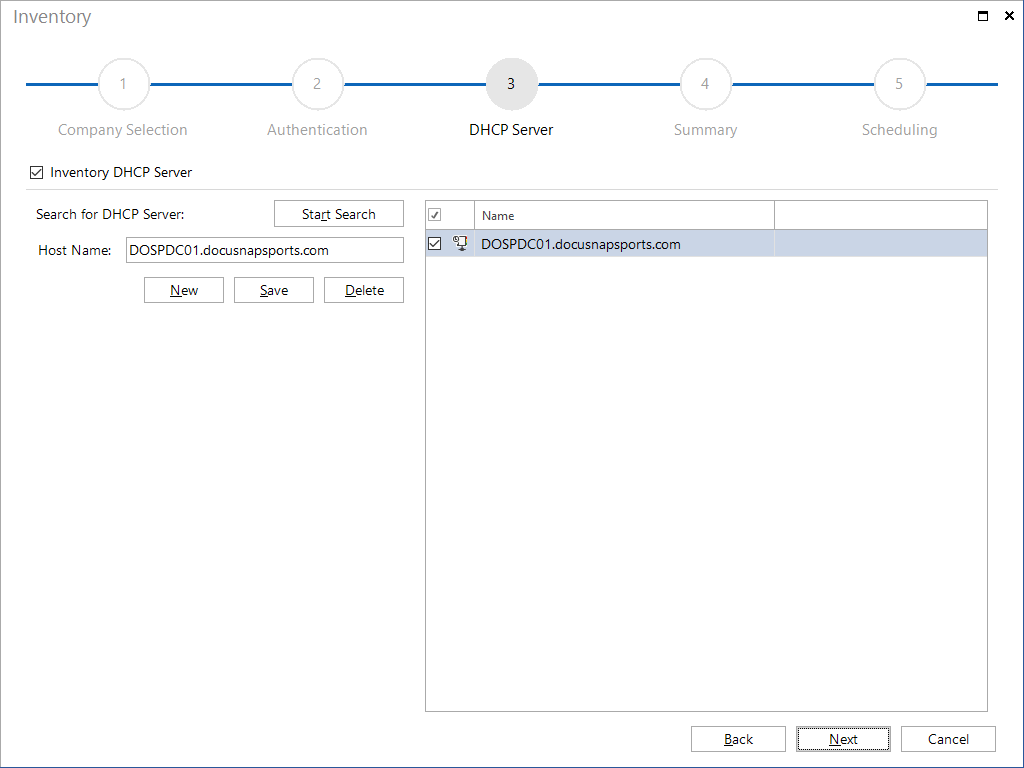
There are two ways to identify DHCP servers:
Searching for DHCP Servers Automatically
When you click the Start Search button, Docusnap will attempt to identify the DHCP servers in your network. If DHCP servers could be determined, they will be listed in the list.
Entering a DHCP Server Manually
In addition to performing an automatic search for DHCP servers, you can specify a single DHCP server in Docusnap manually. Click the New button to specify the system to be scanned subsequently.