Basic Steps
less than a minute
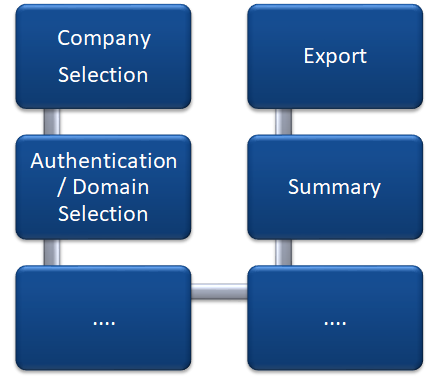
For the tasks involved in an inventory scan, Docusnap provides a wizard-based user interface that will be referred to as Wizard in this documentation. The Docusnap inventory wizard consists of several steps, which are combined differently depending on which system type (Windows systems, VMware infrastructure, etc.) is to be scanned. The following figure illustrates the basic steps each wizard includes.