Communication Paths
2 minute read
Each system in a network provides various applications and services or accesses them. If there are many applications, services and systems in an environment, there is no chance of evaluating relations and dependencies without software support.
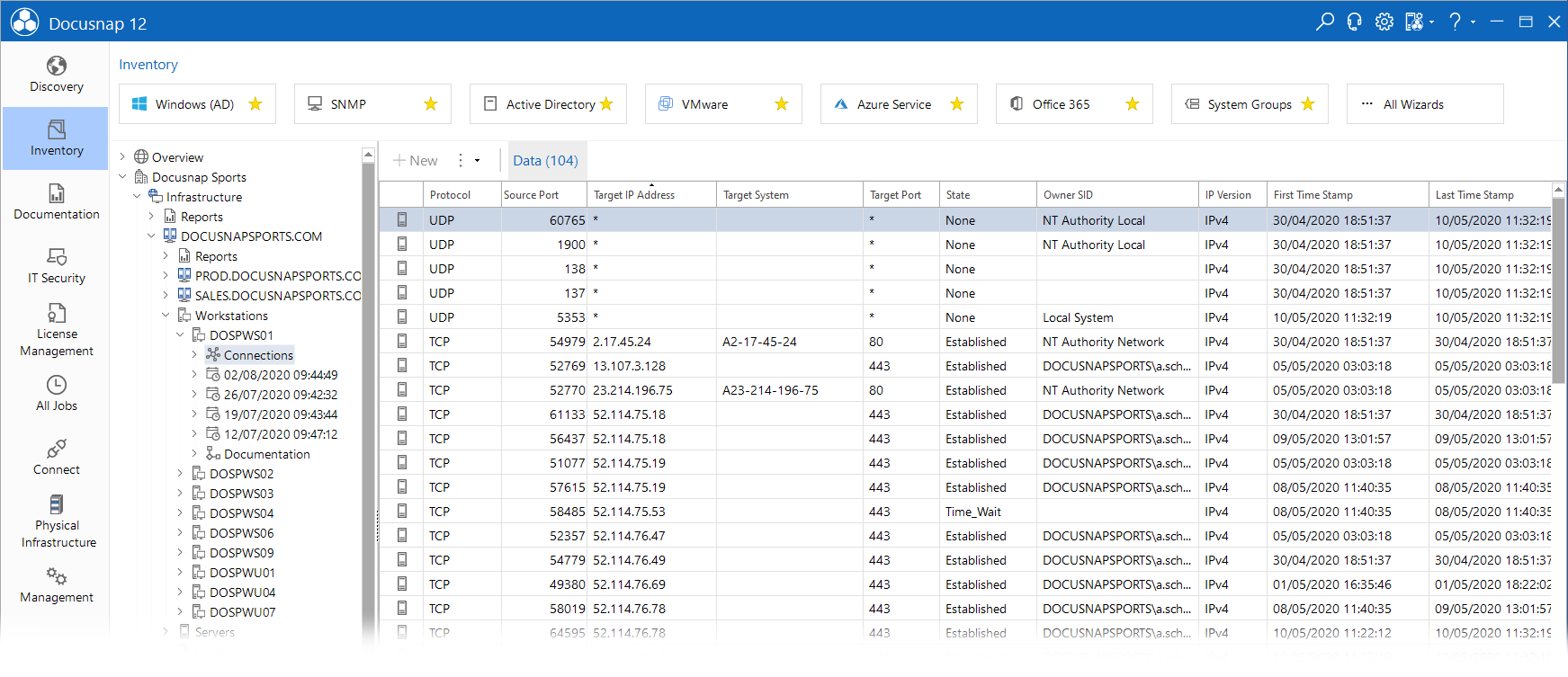
For Windows and Linux systems, Docusnap captures the open TCP/UDP ports and existing connections to or from other systems during the inventory process. With each inventory scan, Docusnap expands and adds to this information, building an extensive connection diagram for the network over time.
The inventoried data is displayed under the heading Connections in the Inventory hierarchy.
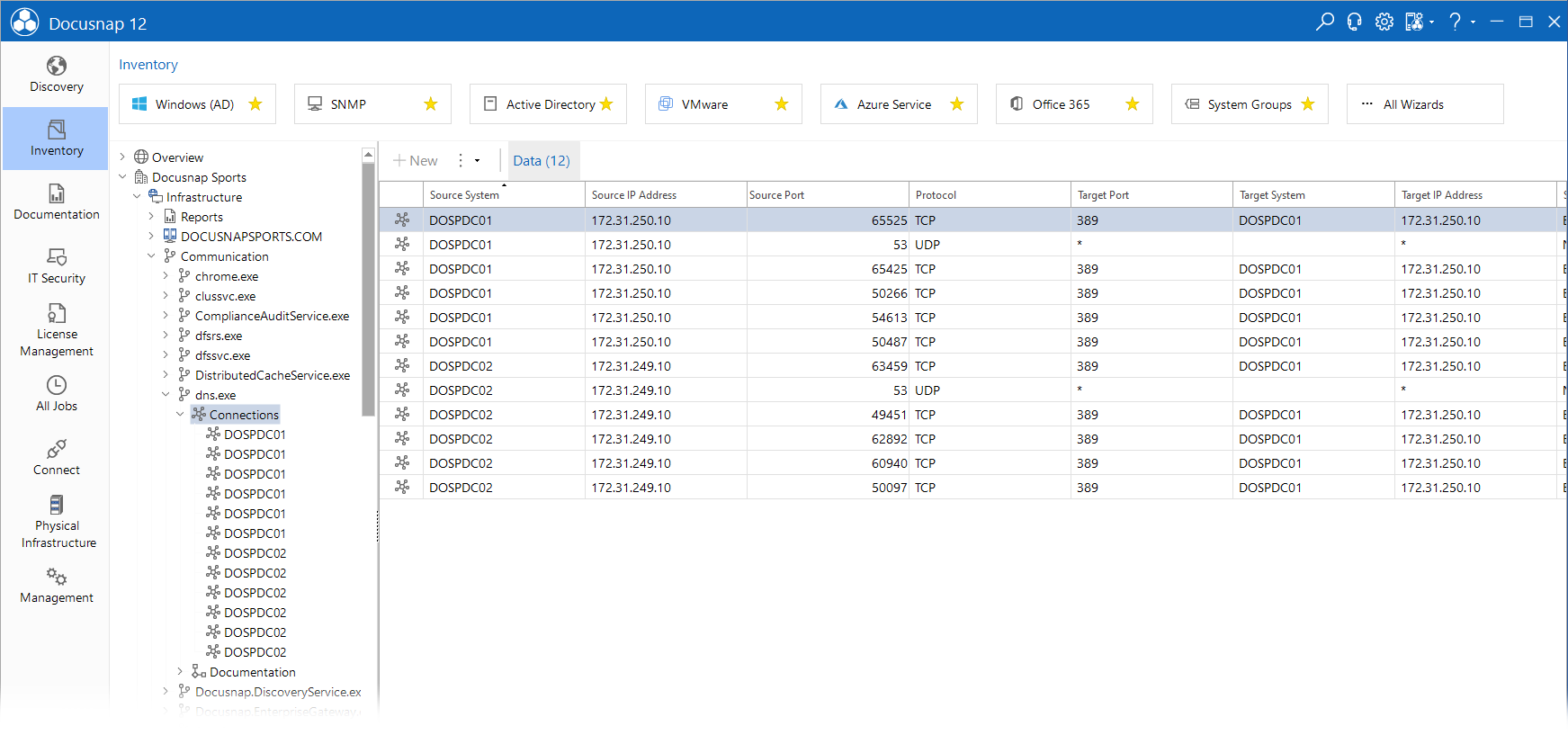
A second view is below the heading Communication on the company level. In this view the corresponding systems are listed for all services, processes and applications.
Visualization
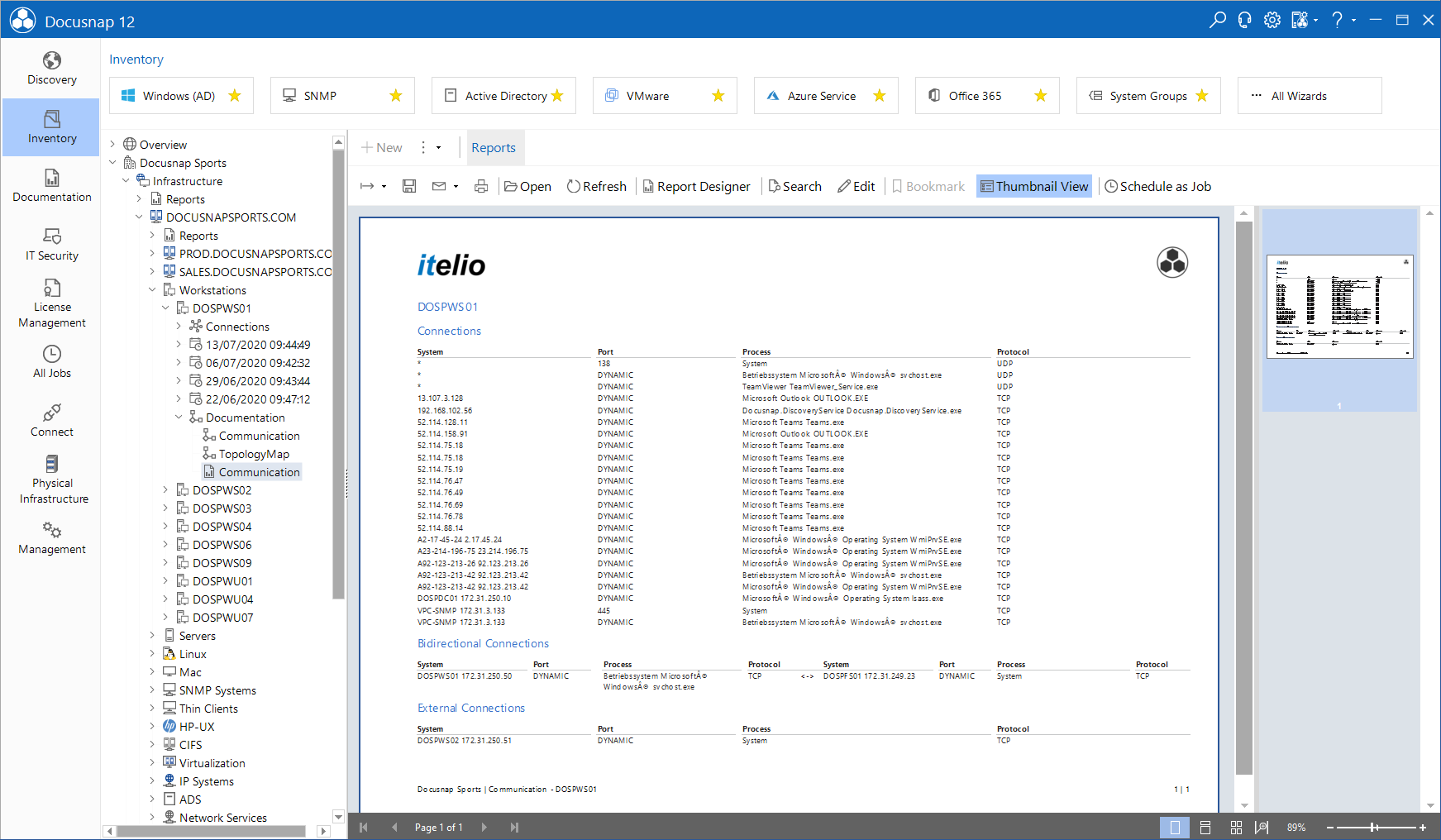
For the communication paths, reports or maps can be created under the heading Documentation to visualize the communication paths.
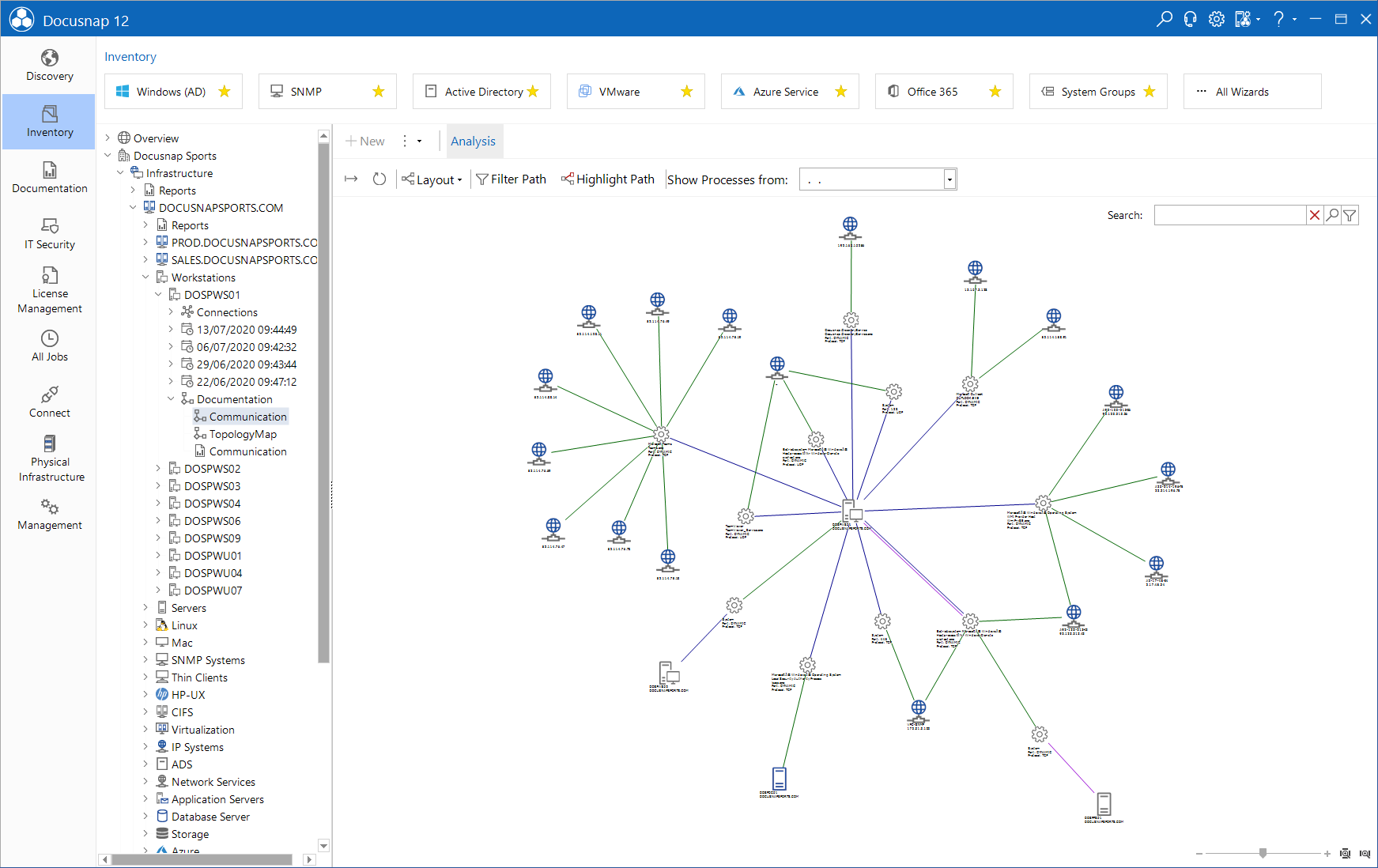
By clicking on the Communication node, the Analysis tab is opened and the connections between the services and systems are displayed. The type of connection is specified by different colors. In this overview, the services, processes and applications are summarized as services.
- Completely known communication path: Source System to Service - Service to Target System
- Source System to Service = Violet
- Service to Service = Green
- “One-way” known communication path: Source System to Service to Target System
- Source System to Service = Blue
- Service to Target System = Black
Inventory also stores the date on which the connection was inventoried. In the Show Processes from field, you can select a date from which connections should be displayed in the map.