Inventory
less than a minute
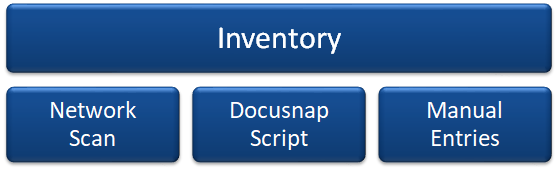
Network Inventory
The procedures for the automated inventory process are covered in the Network Inventory Process section.
Docusnap Script
Using the Docusnap Script, you can scan a Windows or Linux system and save the collected information to an XML file that can be imported subsequently into Docusnap.
Manually Create Systems
If you wish to include systems that cannot be scanned by the automated inventory process or by the Docusnap Script, you can enter the required information manually.