Menu Ribbon
less than a minute
Docusnap wizards, dialogs and functions are mostly accessed via the Ribbon.

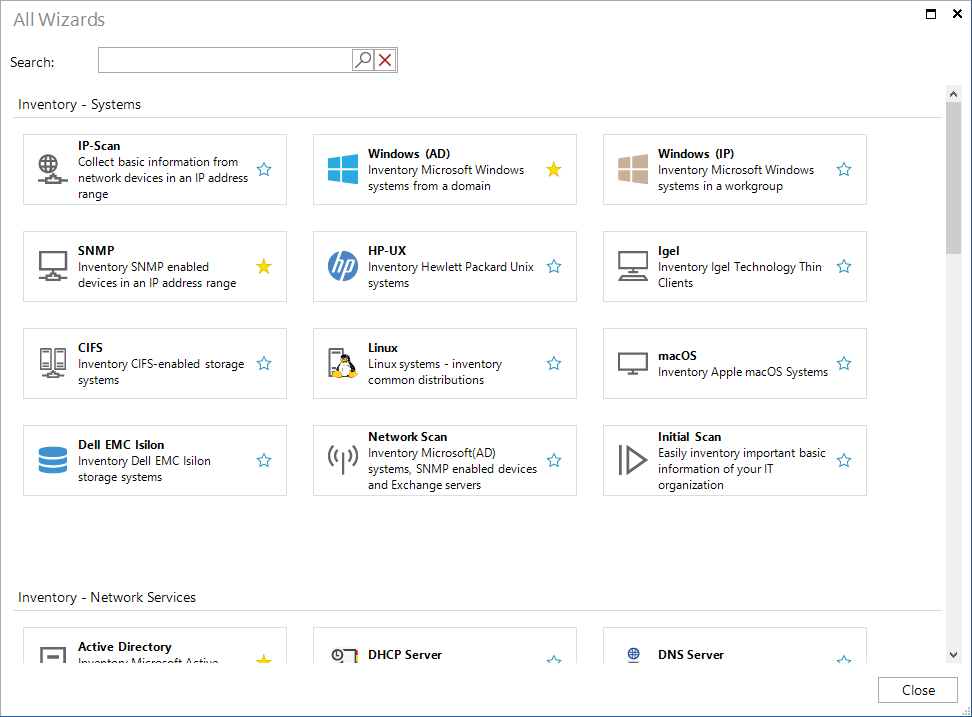
The All Wizards button opens a dialog with all Wizards in this area. The wizards and dialog can be opened from this overview. By clicking on the
 icon, buttons can be defined as favorites. These are then displayed in the Ribbon. Some wizards are already defined as favorites in the standard system.