Import and Export
less than a minute
The packages you configured can be exported and then be imported to another Docusnap database. By importing the configuration, you can export data from the current database without having to create the configuration again.
Export
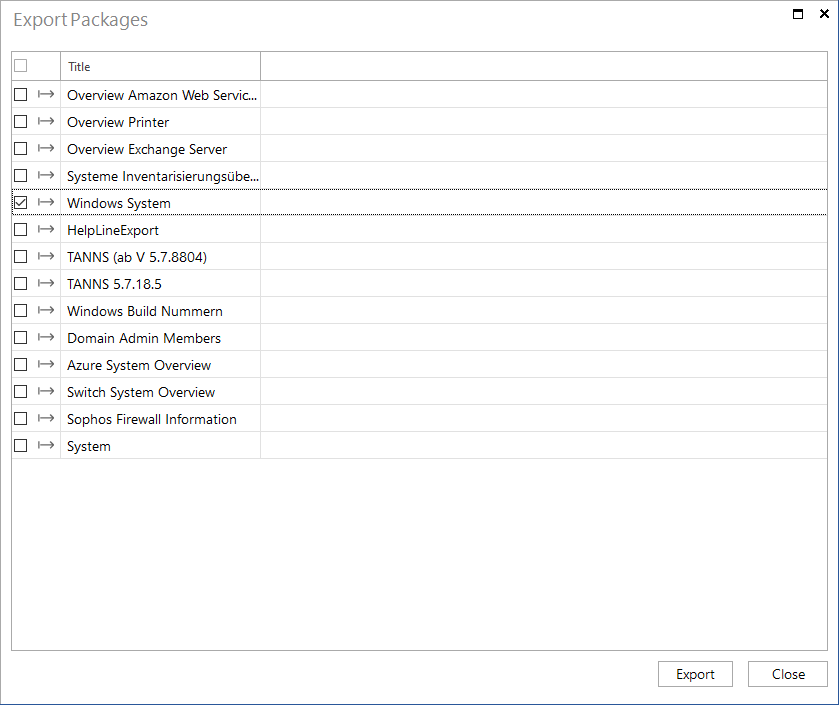
Click the Export Package button in the Connect area to open the Export Package dialog. It lists all configured packages. Tick the checkboxes for all packages to be exported. Then, click the Export button and specify the name and path for the exported file. The Docusnap Connect packages included in this file can subsequently be imported to a different database.
Import
Click the Import Package button in the Connect area to import a file in which Docusnap Connect packages have been previously exported.