Hyper-V
less than a minute
The Hyper-V Server map can be created either from the Create Docu wizard or the Hyper-V wizard.
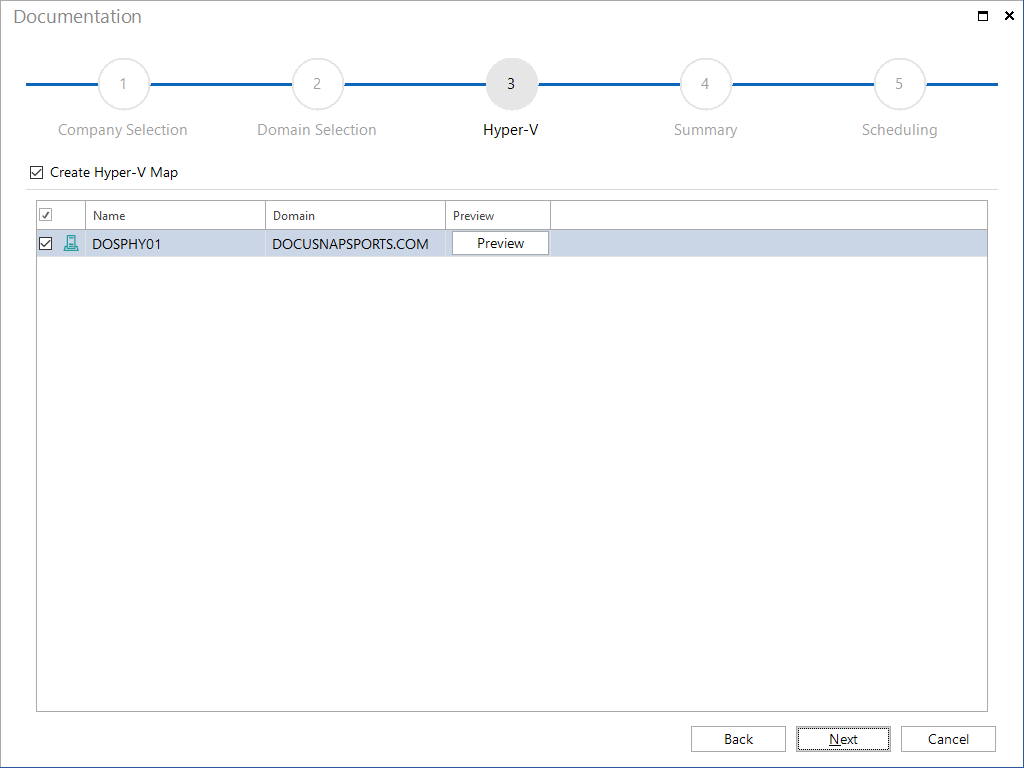
Once you have selected the domains, all Hyper-V servers from each domain will be displayed. Each server whose checkbox is enabled will be included in the Hyper-V map.
The preview window reflects the layout of the Hyper-V map. You can change the layout, for most Hyper-V maps, however, we recommend to use the default settings.
The Hyper-V map will be stored in the Maps folder of the corresponding domain.
(\Documentation Path\Company\Domain\Maps\hyperv\Hyper-V server name)
You can enable/disable the checkboxes in the preview to specify whether the Host to VM, Host to Network or VM to Network relationships will be shown in the map.
