Report
less than a minute
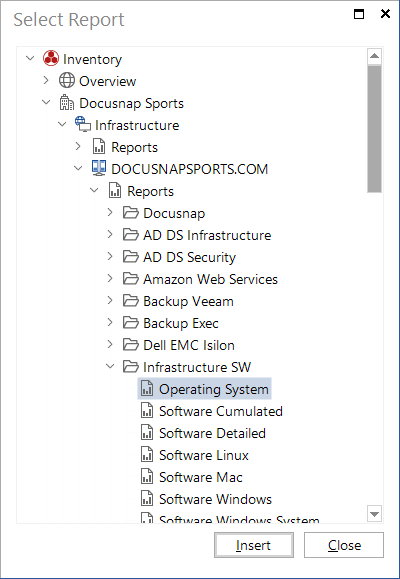
The Report element allows you to insert any report existing in Docusnap into your concept. When you insert a report covering multiple inventory archive versions, Docusnap will always add the most recent inventory data to the concept.
To insert a report into the document, either click the Report button from the Insert ribbon or can drag it from the object tree and drop it directly onto the desired location in the document.