Diagramm
less than a minute
Diagrams created in the Diagram module can also be integrated into a concept.
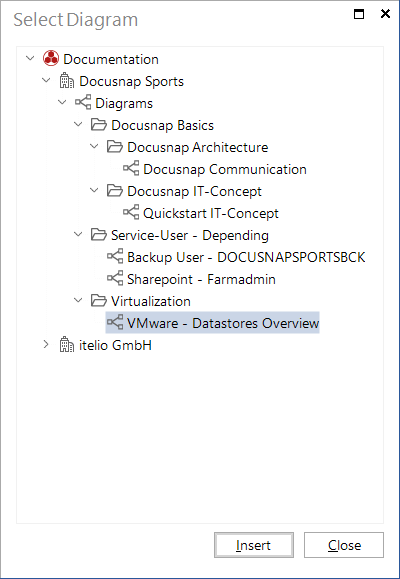
Click the Diagram button on the Insert ribbon to open the Select Diagram dialog. There, you can select a diagram from the Documentation explorer. To add the diagram to your concept, select it and click the Insert button.