Sub-reports
2 minute read
To show the contents of a table and its child table in a single row, you can use a sub-report.
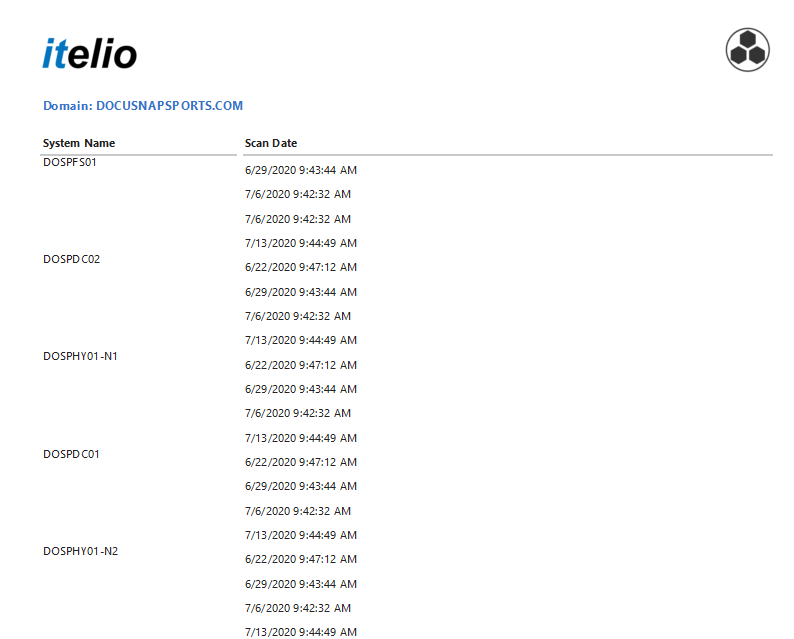
In this example, the dates of all inventory scans performed on this computer are shown. The data is found in the tHosts and tDocu tables.
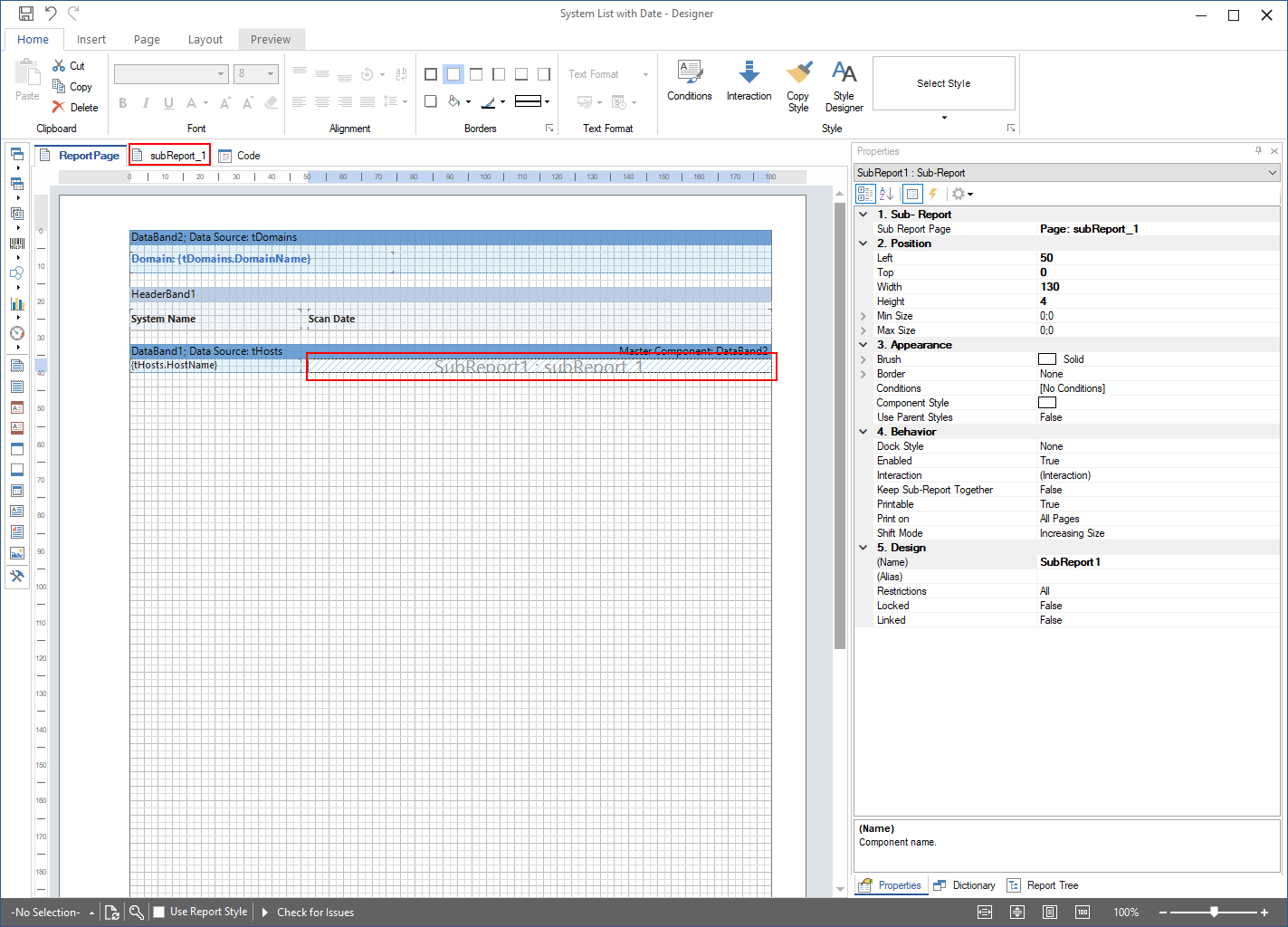
First, create a header band with the System Name and Scan Date headings. Then, add a data band using the tHosts table as the data source and add a text box containing the HostName.
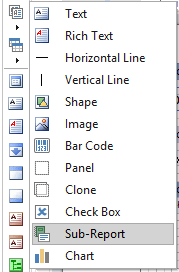
Next, create a sub-report. To create the sub-report, use the icon from the Toolbox.
Docusnap automatically adds an additional page where you can define the sub-report.
Create a data band, in this example the data band with the tDocu data source, on the sub-report page. Add the text boxes for the data of this child data band here. In this example, add a text box for the Scan Date from the tDocu table.
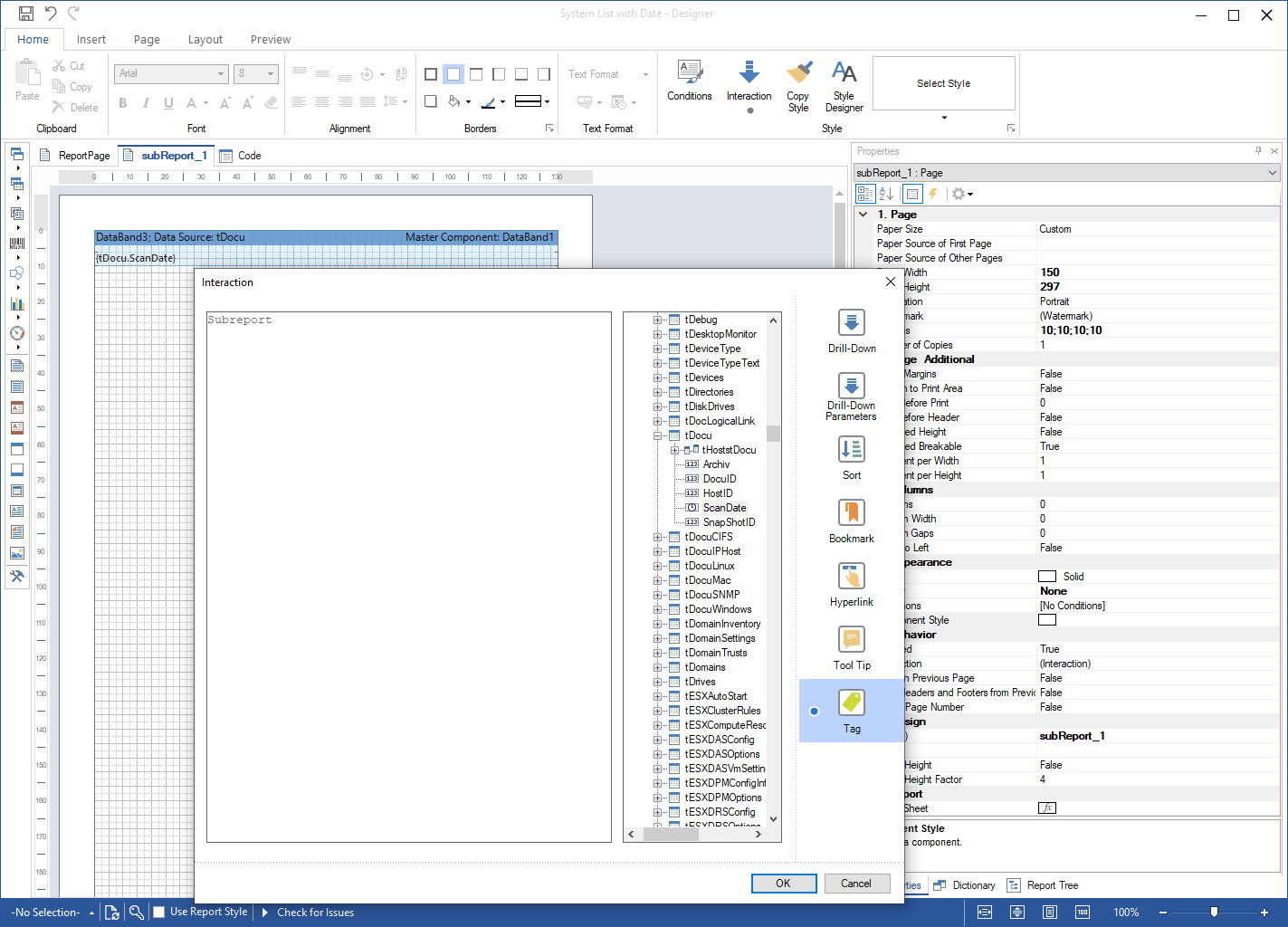
As the master component of the data band, you can use the data band where the sub-report will be inserted. Create the connection to the master component using a relation or a parameter. After the tHosts and tDocu tables have been connected to the database, the report can be executed.